I’ve spent the last week living in Apple’s container tool from the terminal. It’s good. But some days I want a window, a list of what’s running, and a button. Davit is that window.
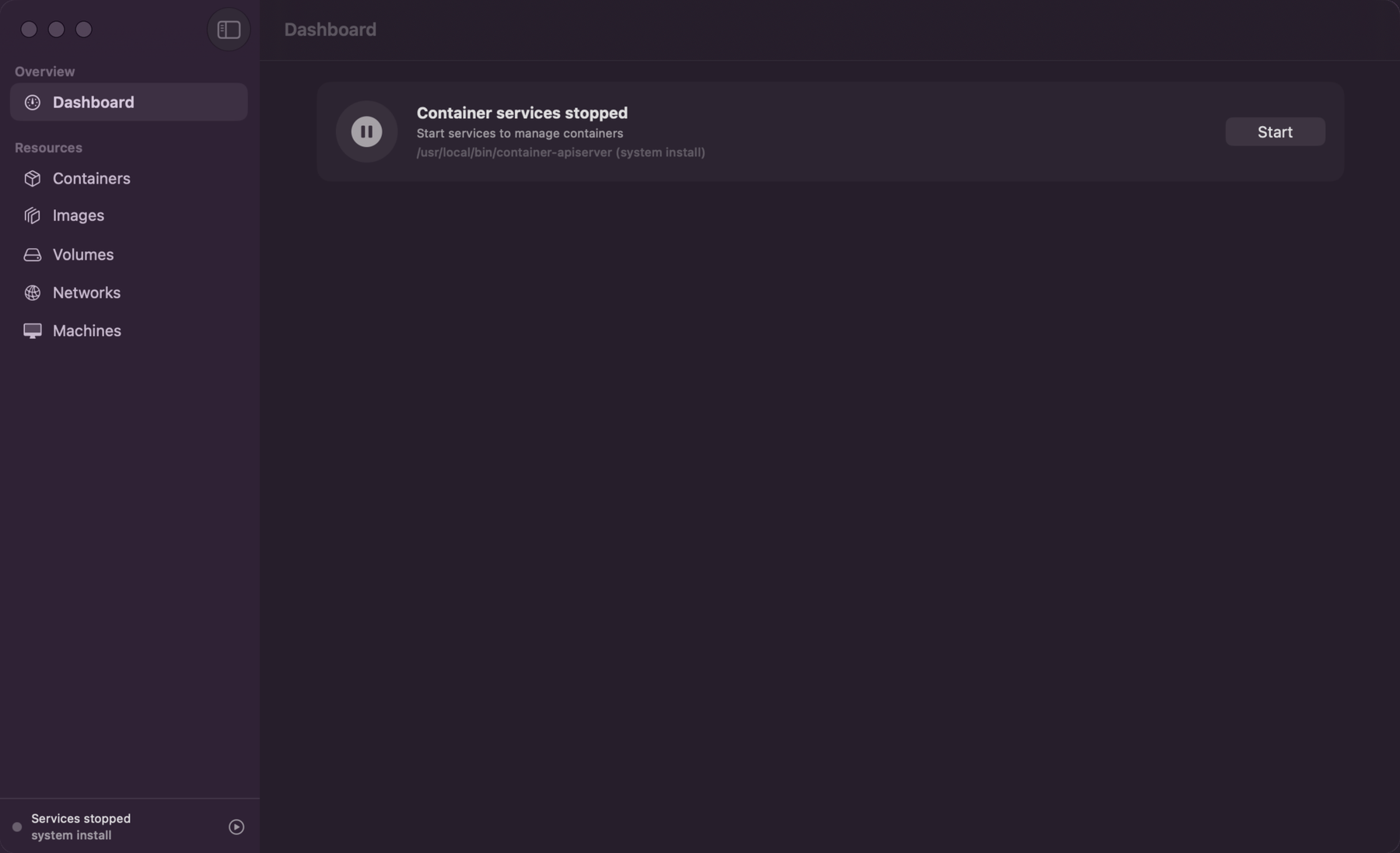
It’s a native SwiftUI app. No Electron, no web view stuffed in a title bar. That alone put it ahead of most of the desktop container tooling I’ve tried.
The part I like: it doesn’t shell out to the container binary and scrape the output. It talks to the same platform the CLI does, straight over XPC. So the dashboard, the live CPU chart, the container list, the log tail, the filesystem browser all read from the source instead of parsing text a human was supposed to read.
The screenshot above is the first thing I saw, and it made me laugh. “Container services stopped,” with a Start button. That’s the container system start dance from my last post, except now it’s a button I don’t have to remember.
Install is a one-liner:
brew install wouterdebie/tap/davitIf you don’t already have Apple’s container platform, Davit can install it for you.
It’s not GUI-only, either. The same binary does davit run, davit build, and a full davit compose up/down/logs/exec with docker-compatible flags. So I can click around when I want to look, and drop to the same tool in a script when I don’t.
Apple silicon, and you’ll want the container platform on the box. It’s young, and it’s MIT. Worth a look.